Overview
The Gearbox global search bar enables quick and easy access to vehicle/asset information and related records.
Utilise the global search to swiftly find information by typing:
- Vehicle/asset fleet number or registration.
- Service, repair, tyre, or inspection Work Order (e.g., S-123, R-456).
- Faults, fuel, or Prestart records by ID.
- An invoice entered in a Work Order.
- A supplier or repairer on a Work Order.
Access the global search from your Maintenance Dashboard by clicking on the search bar and typing in the vehicle or record you wish to locate.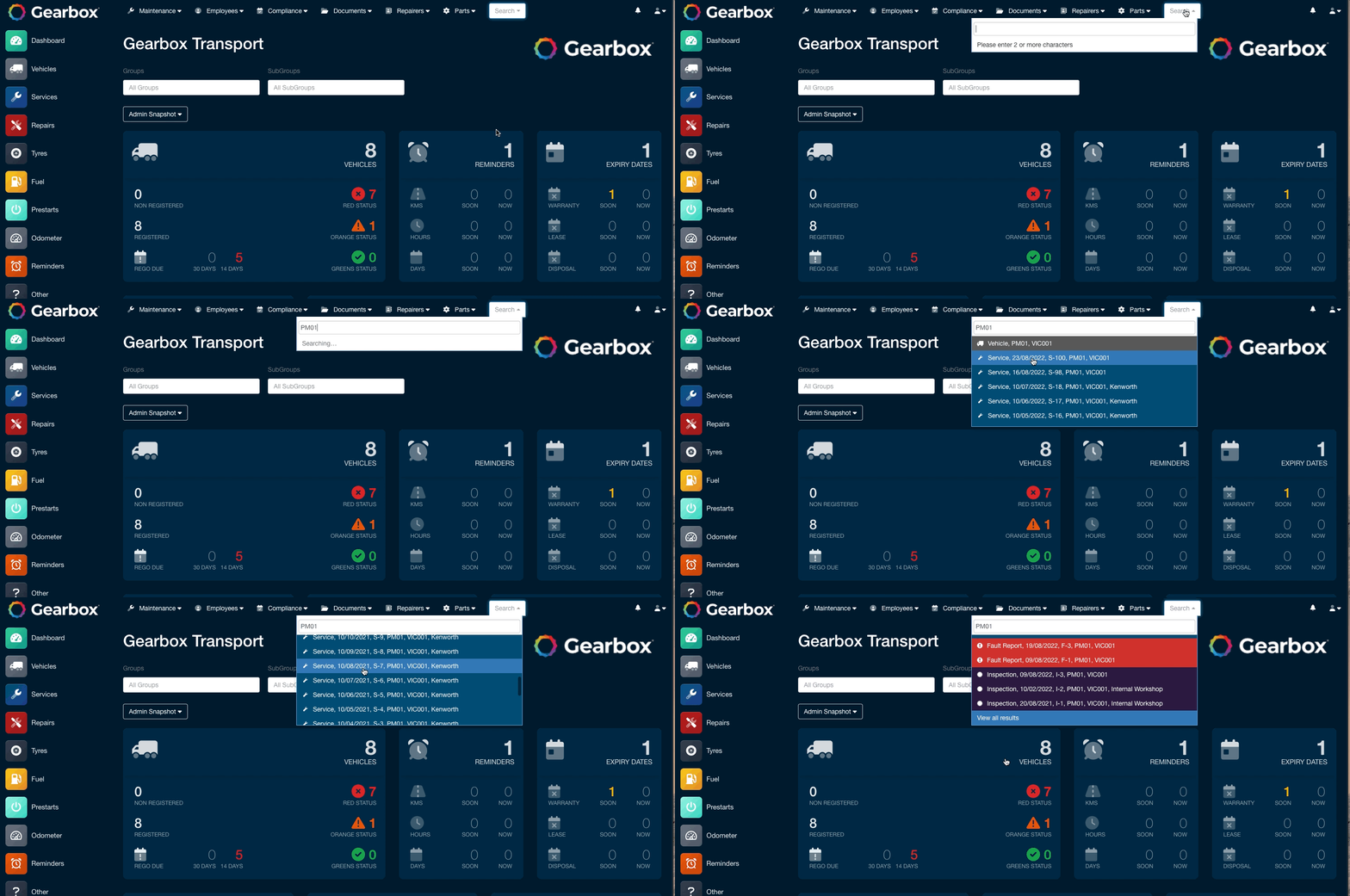
Comments
0 comments
Article is closed for comments.